

Reliable, secure network access powers everything you do at Texas State. Whether you are conducting research, streaming in your dorm, teaching a class, or completing coursework, the Division of Information Technology strives to keep you seamlessly connected across campus.
TXST Wi-Fi and Network Access
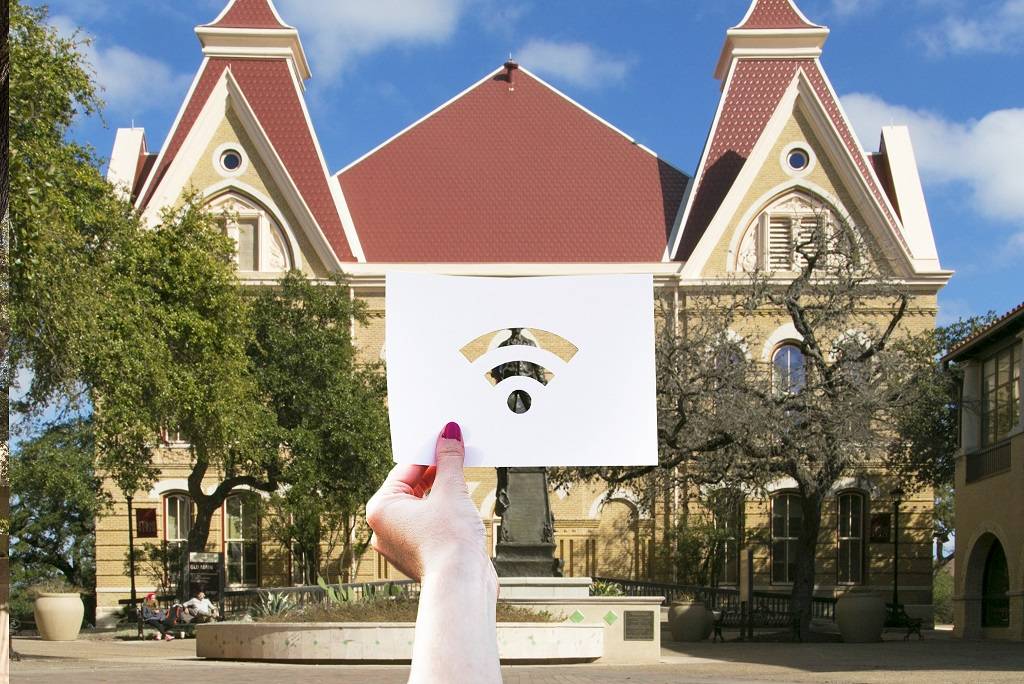
Improvements We've Made
Access Point Upgrades
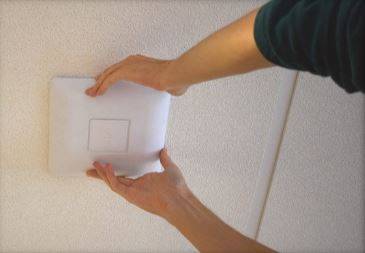
We've upgraded over 3,000 access points to Wi-Fi 6 and 7, for faster connections, with plans to upgrade many more across campus.
Updated Equipment
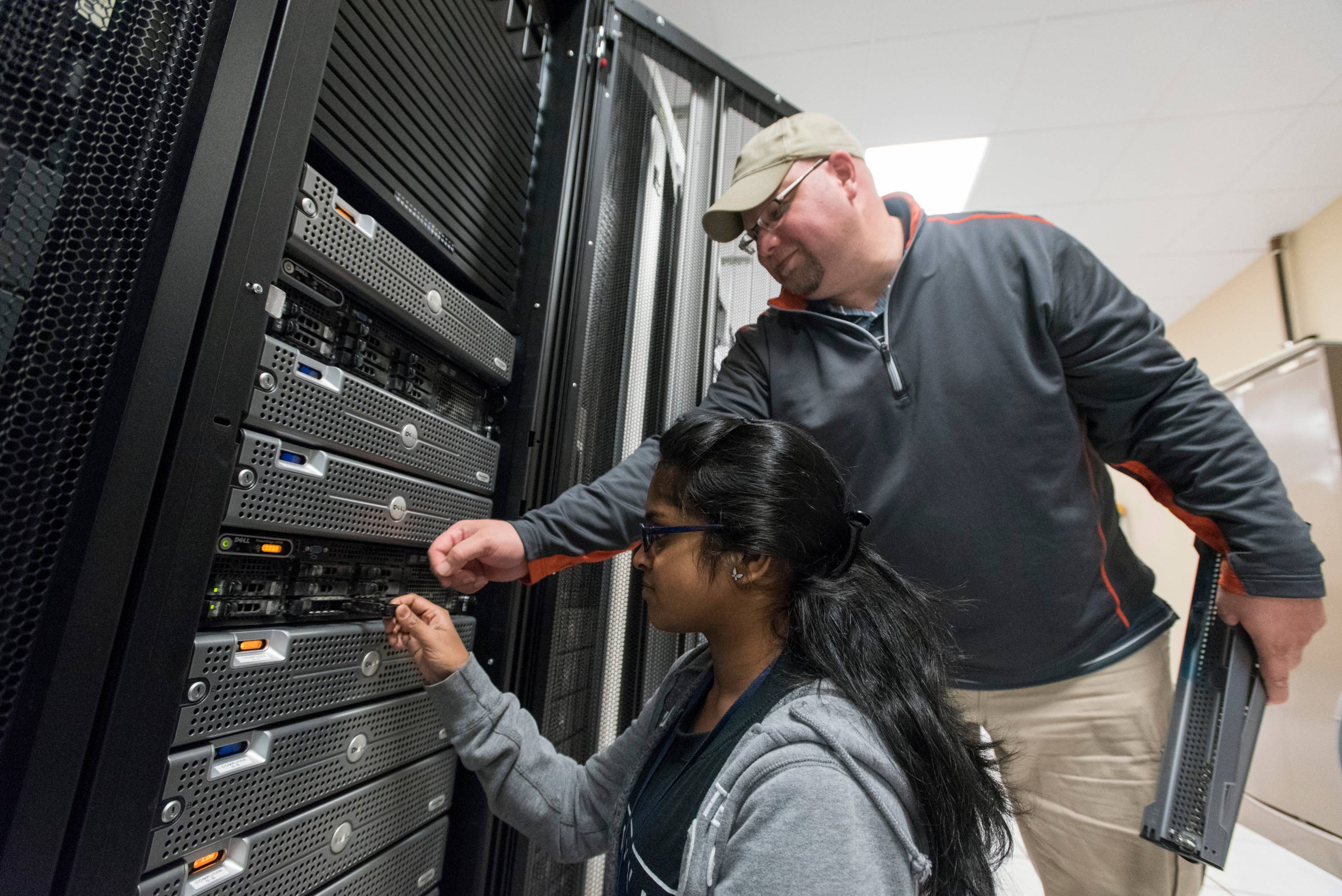
We've updated aging equipment to provide the Bobcat community with a better experience.
Improved Wi-Fi Roaming
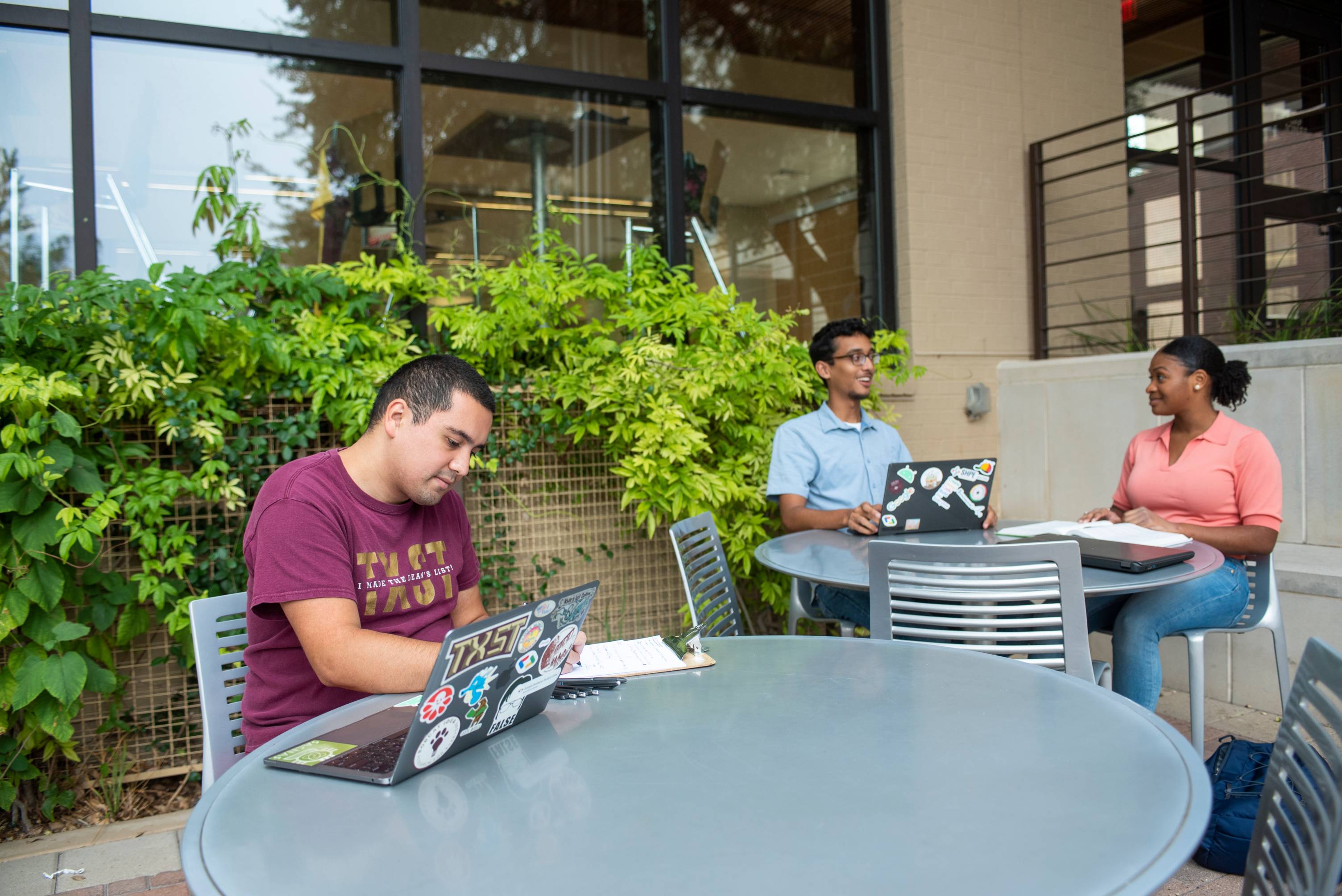
We've improved Wi-Fi roaming on campus. Your devices stay connected to our network as you move from building to building.
Supporting Faster Connections
We've enabled 6GHz radios for newer Wi-Fi 6 and 7 devices to support faster connection speeds.
User Experience Sensors

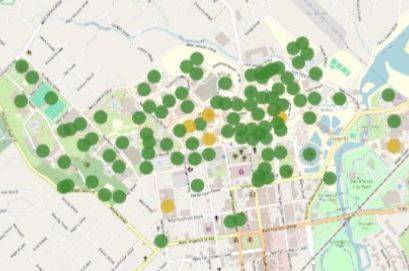
We've begun installing sensors in high-traffic areas to report speed, strength, and signal interference.
Improved Campus Monitoring
We've improved campus network monitoring to proactively identify issues and resolve them quickly.
laptop with web bubbles
Tell us about Wi-Fi
Let us know your experience and what we can do to improve our networks.
Connect to the Right Network
TXST offers multiple Wi-Fi networks for campus use. Which one is right for you?
TXST-Bobcats
- Fast and secure access for anyone with a TXST NetID and password
- Use this network for devices which accept your NetID and password
- Used most frequently by Bobcats on campus
- Example devices: laptops, iPads, phones, desktop computers
TXST-Home
- Fast and secure access for residence halls
- Residents log in to Texas State Connect and get a passcode to connect gaming and media devices
- Example devices: smart TVs, Xbox, Alexa devices, etc.
- Do not use TXST-Home for laptops, tablets, phones, or other computers. Use TXST-Bobcats instead.
TXST-Visitor
- Unsecure, open wifi for Texas State guests
- Passcode to join network sent via text message